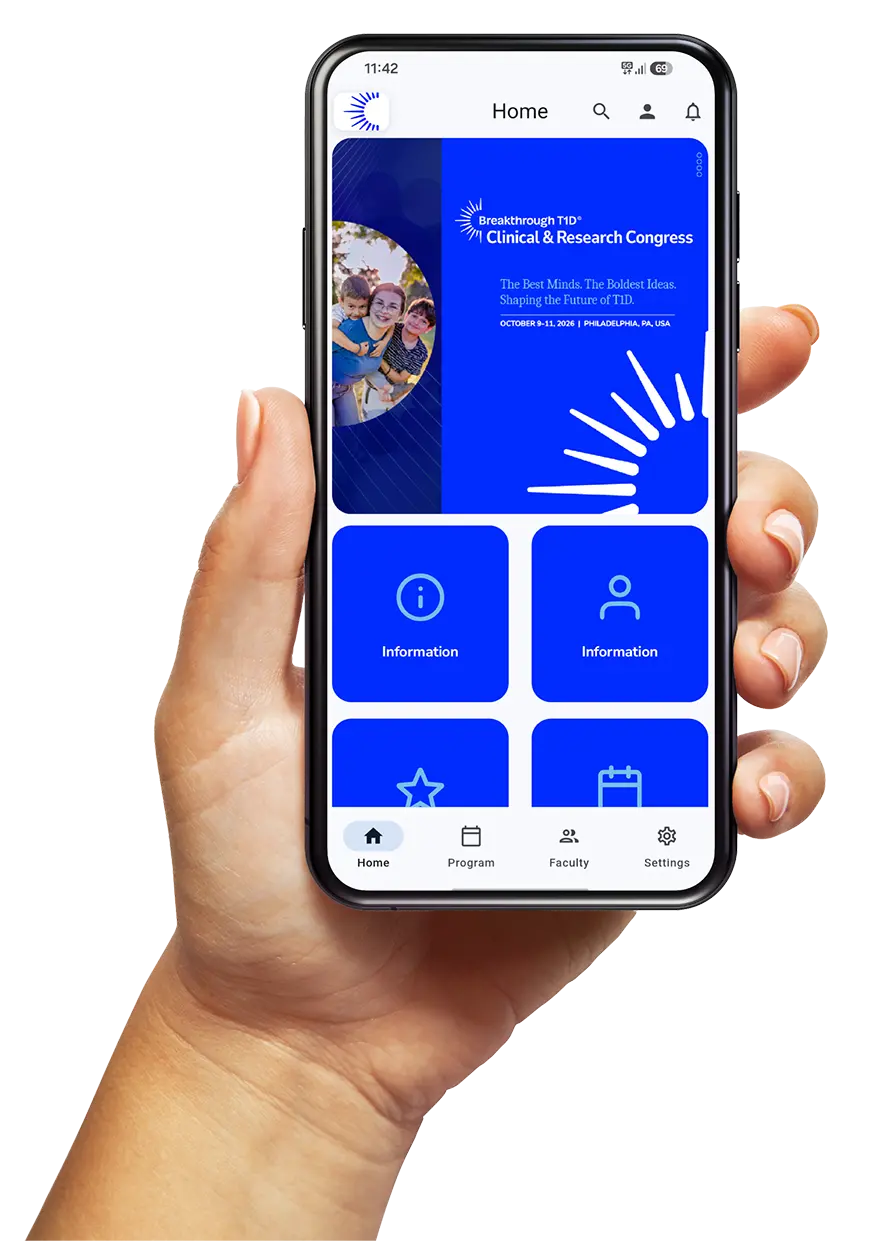
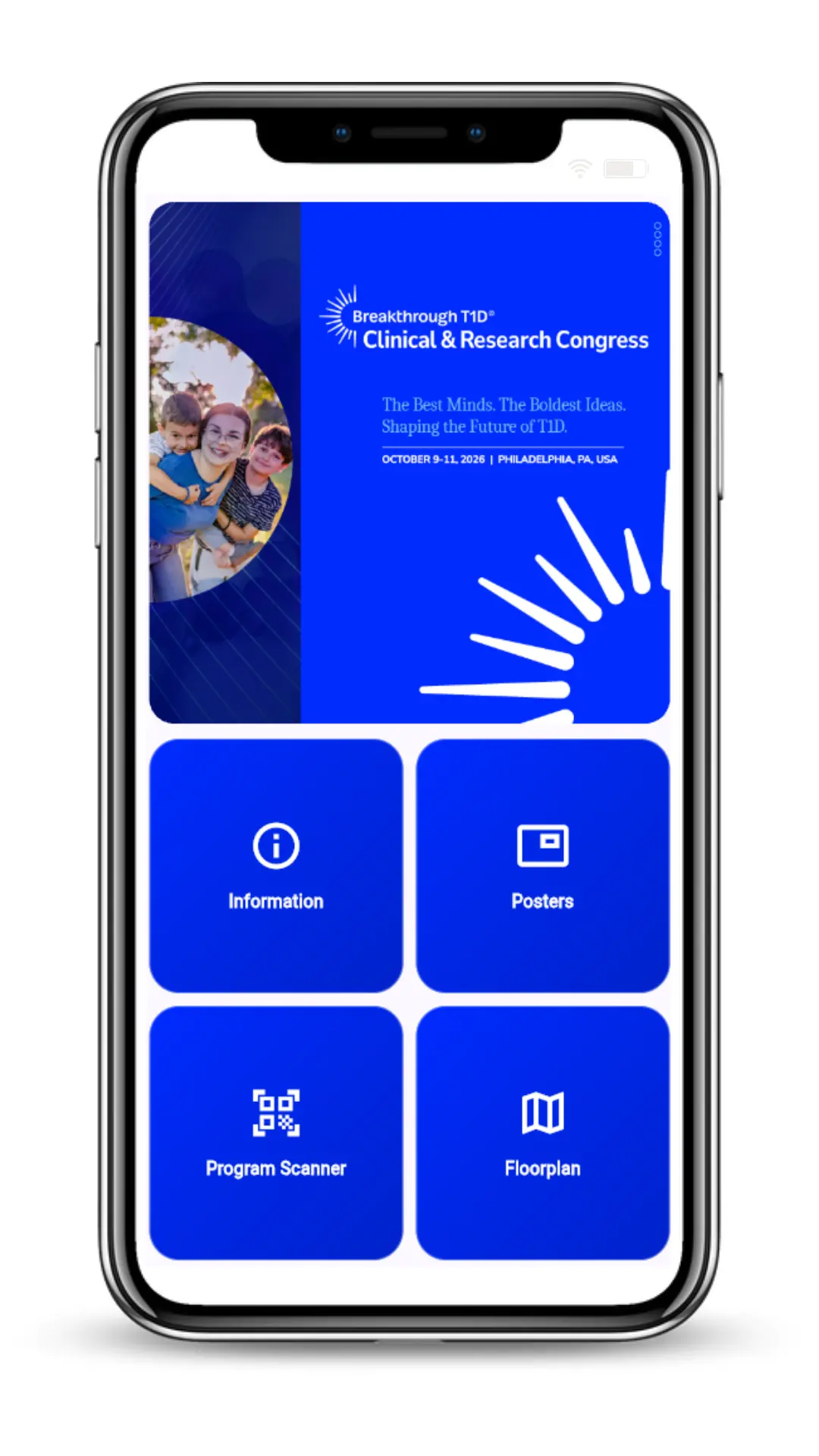
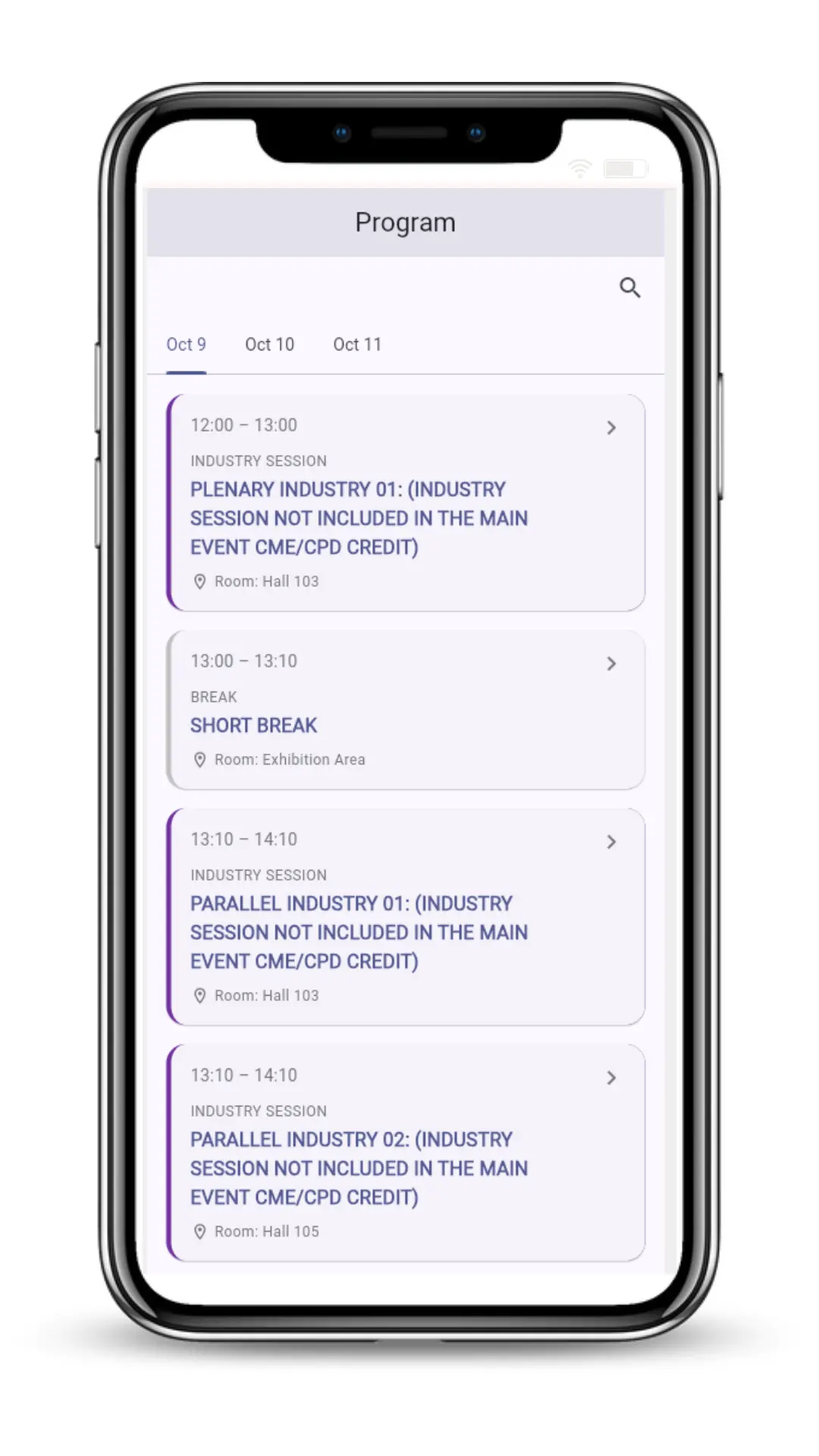
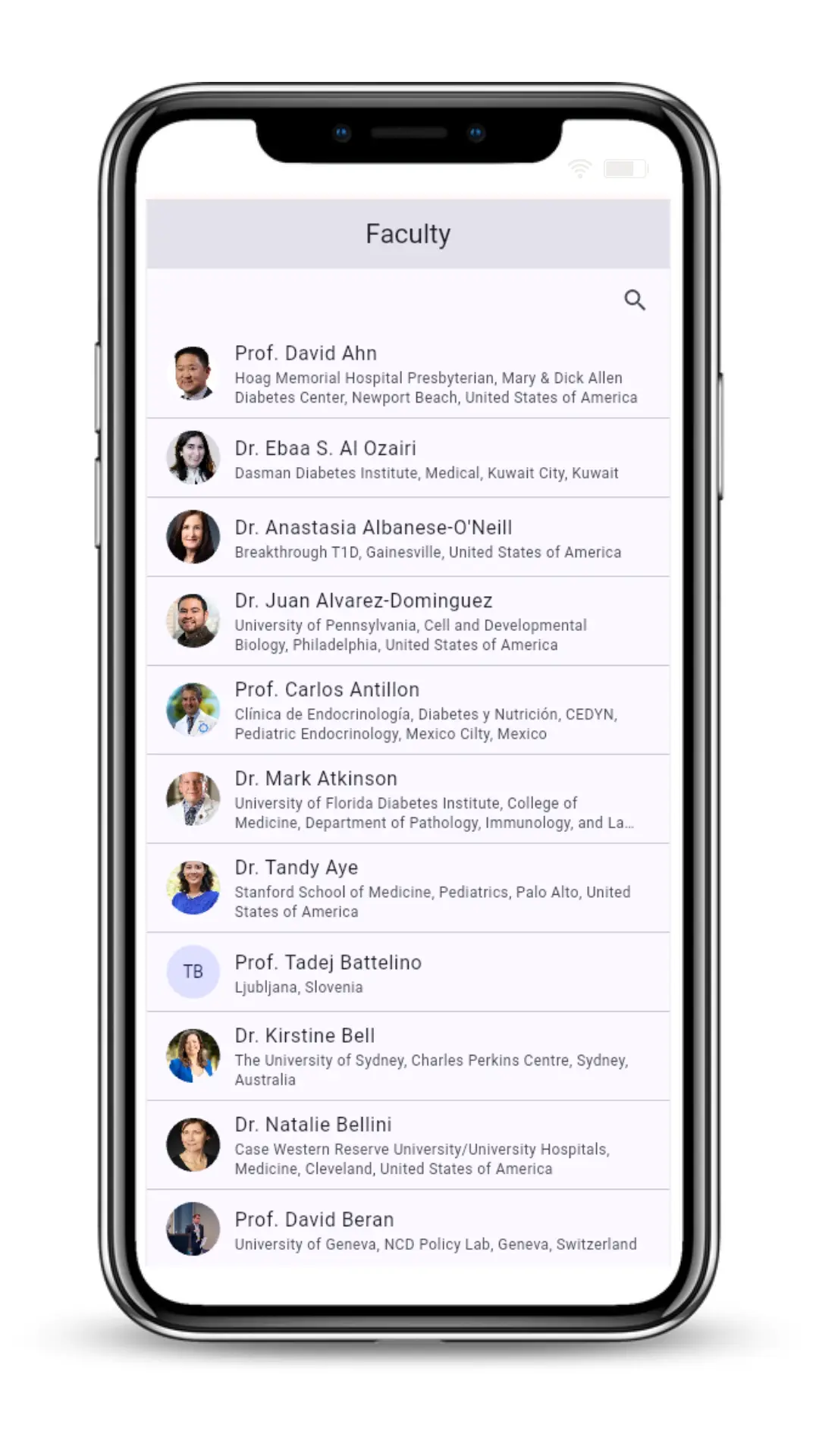
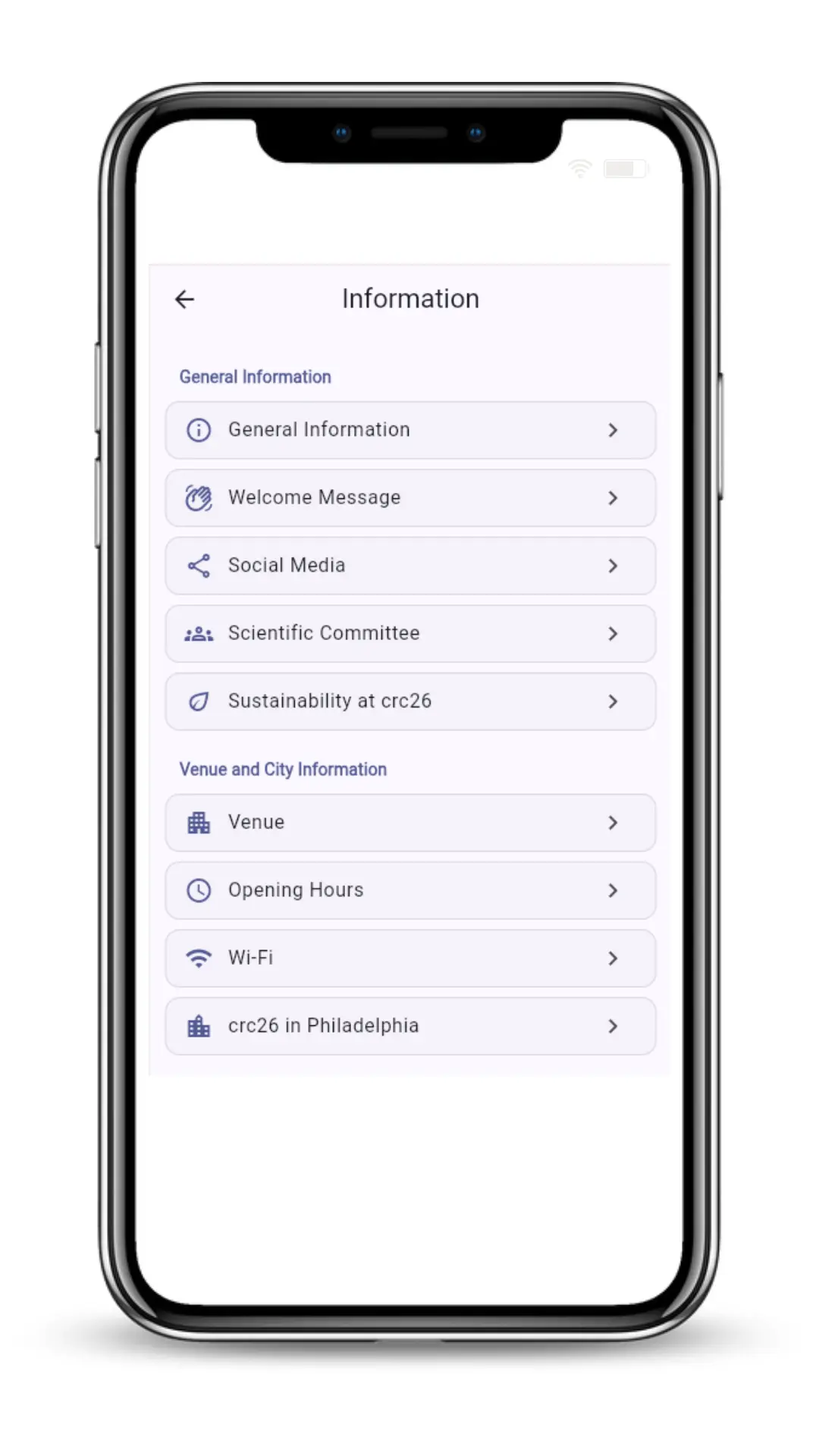
Maximise your Conference experience Search for “Kenes Connect“ in your app store, to download and install the Kenes Connect mobile app.After installing the app, sign in with your unique credentials:Email address: log in with the email you registered withPassword: the password is your registration ID as indicated on your registration confirmation as well as on the badge itself.Event code: crc26Important: In the app settings, please make sure “Sessions Time in Current Local Time” is turned OFF to view the program in Philadelphia local time.Tap ‘My E-tickets’ on the home screen to access your e-tickets for any pre-registered ticketed social event. App Features The CRC 2026 mobile app will give you access and easy navigation to everything in one place. Main Menu Navigate and explore all app features from the main screen. Program Access the full scientific program & plan your schedule. Faculty Learn more about speakers & check out their profiles. General Information Everything you need to knowabout the event, the venue and the city. Network Start a conversation, make new connections and grow your international network.